Guild Creation
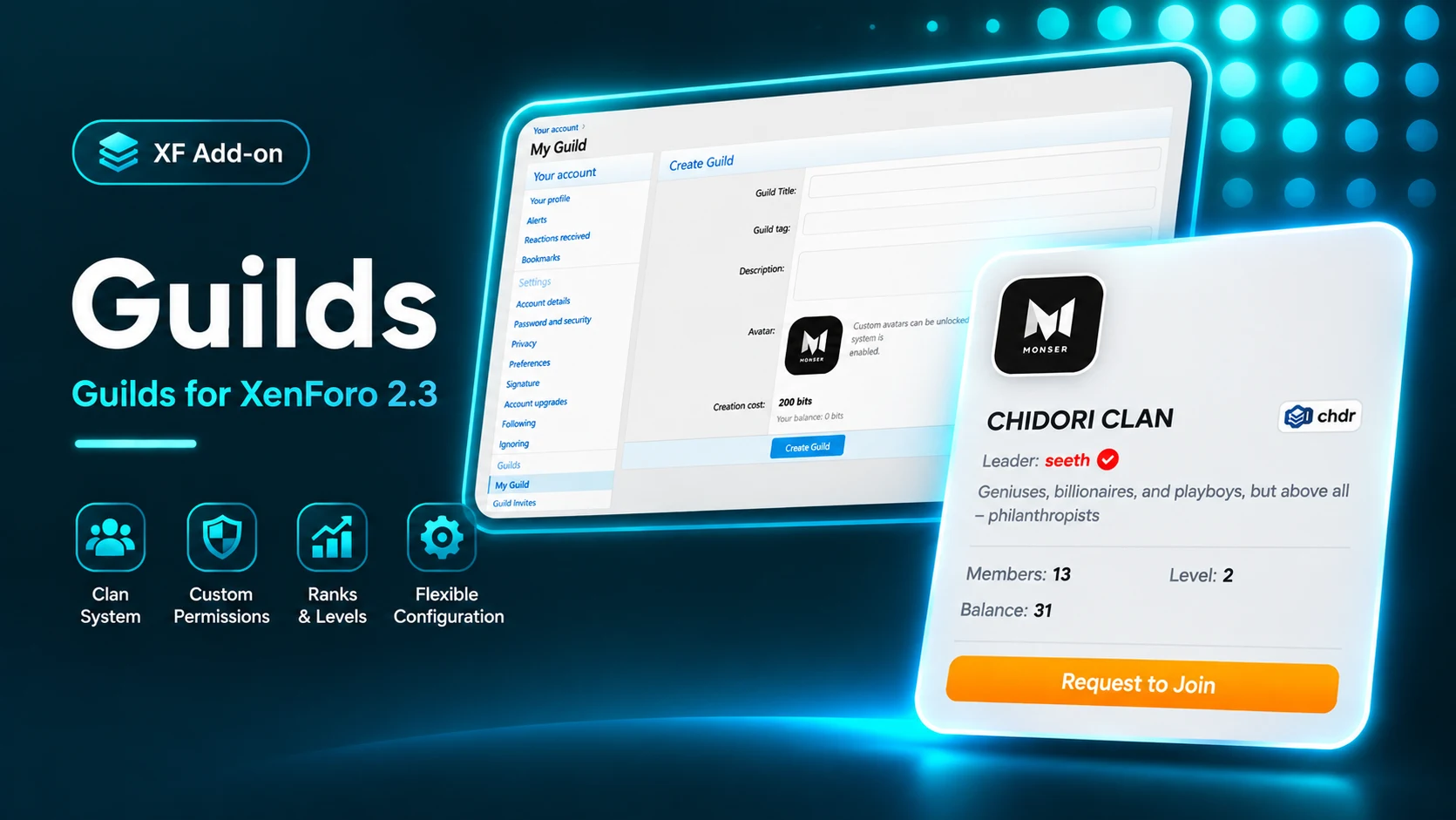
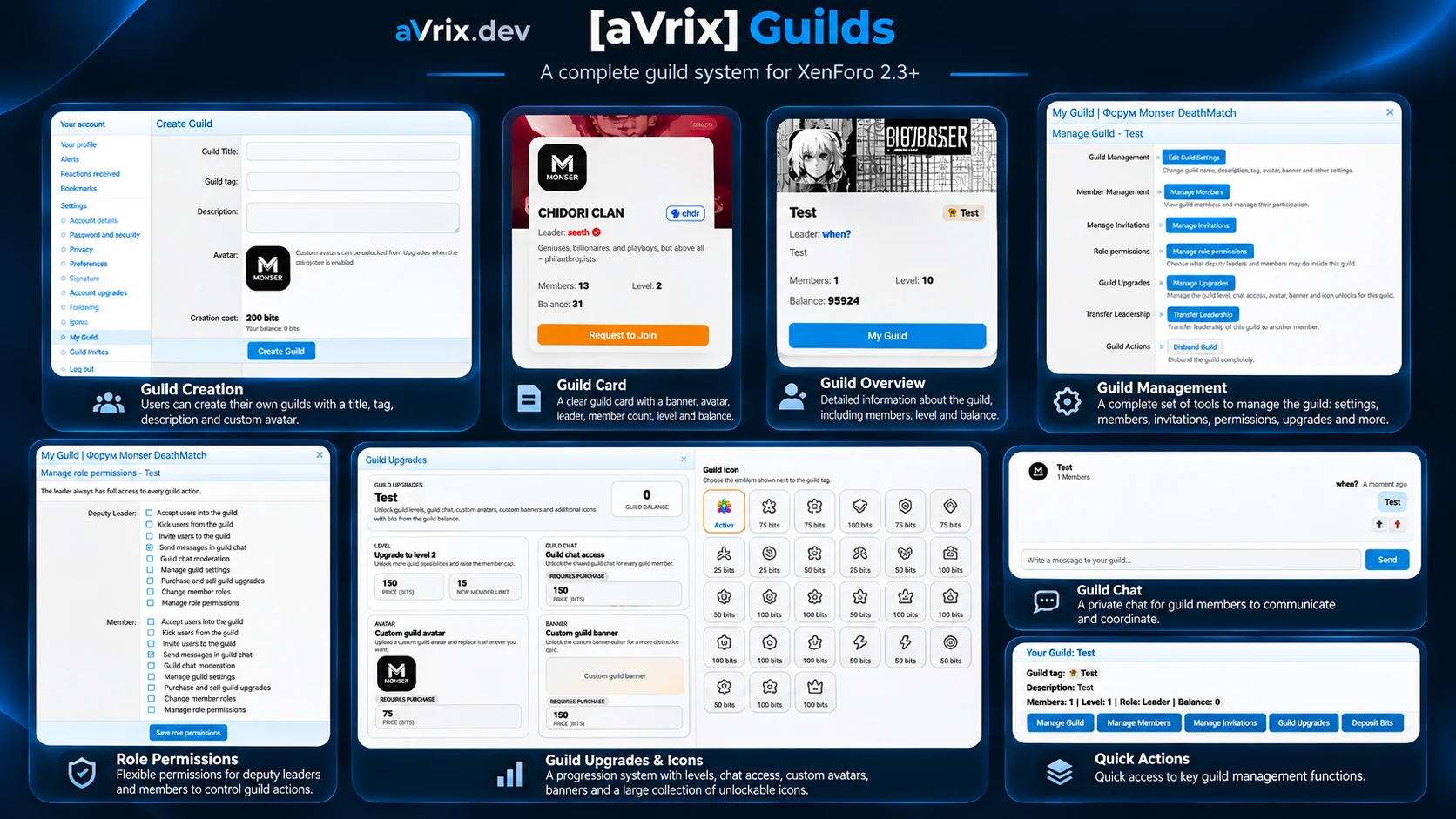
Create and manage guilds with custom names, descriptions, avatars, and banners.
A guild and clan system for XenForo 2.3 with custom profiles, member roles, private chat, invitations, guild progression, and currency-based upgrades.
Developed by aVrix Development

At a glance
Guilds is a guild and clan management system for XenForo 2.3 that allows members to create, customize, and manage their own communities. It includes flexible roles, membership applications, invitations, private chat, and guild rankings. Optional progression, shared balances, and currency-based upgrades are available through integration with [aVrix] Bits.
Create and manage guilds with custom names, descriptions, avatars, and banners.
Display distinctive guild tags and customizable emblems alongside usernames.
Manage members with configurable leader, deputy, and member permissions.
Control guild membership through requests and invitations.
Communicate through an integrated chat with moderation tools and notifications.
Unlock levels, member slots, and additional features through optional upgrades.
Manage shared guild balances and purchase upgrades using Bits.
Discover the largest guilds through rankings and XenForo widgets.
[aVrix] Bits is optional and required only for guild progression, shared balances, paid upgrades, and related currency-based features. Core guild creation, membership management, roles, invitations, and chat work independently.
Explore the product
[aVrix] Guilds is a complete guild and clan management system for XenForo 2.3, allowing community members to create, customize, and manage their own guilds directly on the forum. With customizable profiles, flexible roles, membership management, private chat, and optional progression powered by [aVrix] Bits, Guilds provides a fully integrated community system.
Give every guild its own identity.
Custom guild names, tags, and descriptions.
Uploadable avatars and banners.
Default avatars and banners configured by administrators.
Automatic letter-based avatars when no image is available.
Custom guild emblems.
Dedicated guild pages with member lists and statistics.
Interactive guild profile cards.
Configurable image upload limits.
Guild tags appear alongside usernames in forum posts, member profiles, and user cards.
Guilds includes three membership roles:
Leader — Full control over guild management.
Deputy Leader — Configurable administrative permissions.
Member — Standard membership with customizable permissions.
Guild leaders can configure permissions for deputies and members independently.
Available permissions include:
Editing guild information.
Inviting and removing members.
Managing membership applications.
Sending and moderating chat messages.
Managing guild upgrades.
Changing member roles.
Configuring role permissions.
Leadership can be transferred to another member. Important actions, including leaving, removing members, and disbanding a guild, require confirmation.
Manage guild membership through a dedicated application and invitation system.
Apply to join a guild with an optional message.
Approve, reject, or cancel applications.
Invite forum members directly.
Accept, reject, or cancel invitations.
Track application and invitation history.
Automatically enforce guild membership limits.
Restrict users to one guild at a time.
Each guild has its own private chat integrated with XenForo's widget system.
Messages delivered without page reloads.
Automatic checking for new messages.
BBCode and user mentions.
Notifications for guild member mentions.
Unread message counters.
Message read tracking.
Pinned messages.
Message deletion and chat moderation.
Temporary chat restrictions for members.
Anti-spam message cooldowns.
Collapsible chat interface.
Personal chat visibility and height settings.
Administrators can disable the chat system globally.
An optional progression system allows guilds to unlock additional features using [aVrix] Bits.
Available upgrades include:
Additional guild levels.
Increased member capacity.
Unlimited member capacity at configured levels.
Private chat access.
Custom guild avatars.
Custom guild banners.
Additional guild emblems.
Purchase upgrades using the shared guild balance.
Configure individual upgrade prices.
Unlock and select additional emblems.
Sell purchased upgrades and return their recorded value to the guild balance.
Sell the current guild level to return to the previous level.
Configure paid guild creation.
Administrators can configure guild levels, member limits, and upgrade prices.
The system includes 31 configurable guild emblems, each with its own name and optional price.
With [aVrix] Bits installed, guilds can maintain a shared balance for upgrades and progression.
Transfer Bits from personal balances to guild balances.
Purchase upgrades using guild funds.
Receive refunds when selling upgrades.
Manually adjust guild balances with appropriate permissions.
Record reasons for manual balance adjustments.
View detailed financial transaction history.
Track transaction amounts, dates, users, and balances before and after operations.
Control access to financial history through permissions.
Financial operations include protection against conflicting simultaneous balance changes.
Guilds integrates with XenForo's existing interface.
Guild tags displayed alongside usernames.
Guild information in member profiles and user cards.
Interactive guild cards with avatars, banners, leaders, and statistics.
Guild level and member count information.
Guild links in user menus and account settings.
Guild rankings based on member count.
Rankings available through XenForo's notable members section and widgets.
Guilds supports XenForo notifications for:
Guild invitations.
New membership applications.
Application approvals and rejections.
Members leaving a guild.
Member removals.
Leadership transfers.
Guild disbandment.
Chat mentions.
Notifications integrate with XenForo's alert preferences and push notification templates.
Administrators can manage guilds through the Admin Control Panel and authorized forum moderation tools.
View, edit, and delete guilds.
Manage guild leaders, members, and roles.
Configure guild permissions.
Adjust guild levels and balances.
Grant or remove upgrades.
Configure level requirements and member limits.
Set upgrade prices.
Manage available guild emblems.
Configure avatar and banner upload limits.
Enable or disable progression and chat features.
Guilds includes 64 XenForo style properties for customizing the interface.
Available customization options cover:
Guild tags and emblems.
Guild cards, avatars, and banners.
Chat appearance and message styling.
Guild statistics and buttons.
Member lists and management panels.
Guild upgrades and progression interfaces.
Default guild images.
The interface supports XenForo's light and dark themes and responsive layouts.
Getting started
Download the latest version of Guilds.
Extract the downloaded archive.
Upload the contents of the upload directory to your XenForo installation root, preserving the directory structure.
Log in to your XenForo Admin Control Panel.
Navigate to Add-ons.
Find Guilds in the list of available add-ons.
Click Install and follow the on-screen instructions.
Configure the add-on settings and permissions as needed.
Download the latest version of Guilds.
Upload the updated files to your XenForo installation, replacing existing files.
Navigate to Admin Control Panel → Add-ons.
Click Upgrade if an upgrade is available.
Review the add-on settings after updating.
Note: Back up your forum files and database before installing or updating any add-on.
Release history
XF 2.3 · PHP 7.4+
274.9 KB · SHA-256 376be716ae4213571d21922a74a9772d1dde4dd2c27c9b70938100be618982b0
No reviews yet. Reviews are available to verified recipients only.
Log in to review or save this product
Track and display your XenForo forum's all-time peak online record, including members and guests, directly in forum statistics.
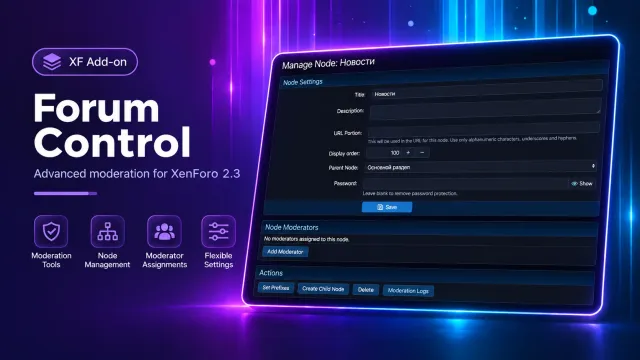
Advanced forum control tools for XenForo 2.3+, featuring moderator assignments, node management, forum passwords, prefixes, and custom user tags.
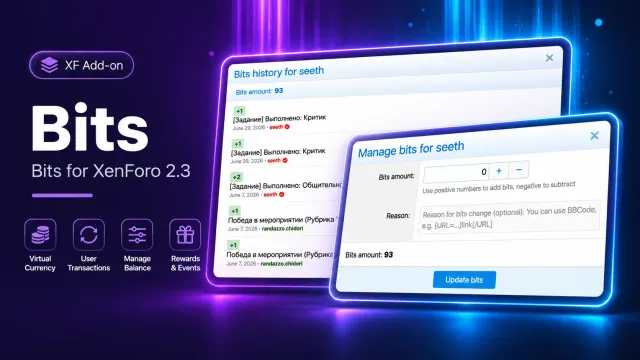
A virtual currency system for XenForo 2.3 with daily tasks, activity rewards, point purchases, balance management, and transaction history.