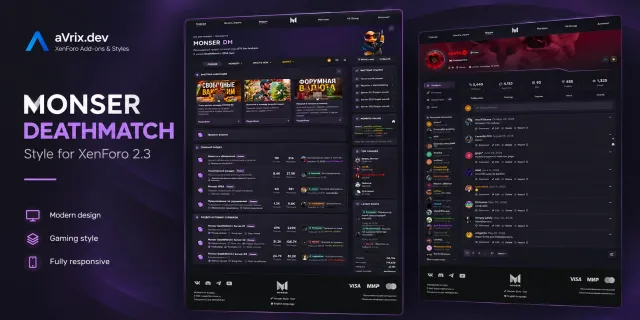
Style
♡ Monser DeathMatch
A custom gaming-inspired style for XenForo 2.3, featuring unique navigation, custom blocks, redesigned profiles, prefixes, user groups, and footer.
XF 2.3+€30.00
A custom gaming-inspired style for XenForo 2.3, featuring unique navigation, custom blocks, redesigned profiles, prefixes, user groups, and footer.
Developed by aVrix Development
At a glance
Explore the product
Getting started
Download the Mordor Mobile style package.
Back up your XenForo installation before making changes.
Extract the downloaded archive.
If the package contains an upload directory, upload its contents to your XenForo installation root.
Open your XenForo Admin Control Panel.
Navigate to Appearance → Styles.
Select Import a style and upload the XML style file included in the package.
Complete the import and configure the style as needed.
Set Mordor Mobile as your default style if desired.
Note: Review the included package documentation before installation. Back up your forum files and database before importing or updating the style.
Release history
Template Fixes — Fixed minor issues and inconsistencies in style templates.
Visual Improvements — Corrected minor styling and layout imperfections.
General Fixes — Various minor fixes and refinements.
XF 2.3 · PHP 7.2+
4,884.7 KB · SHA-256 994dd447aab5649844b72ec852b37a6c64c4fb12eb315ae05db95d1d54722528
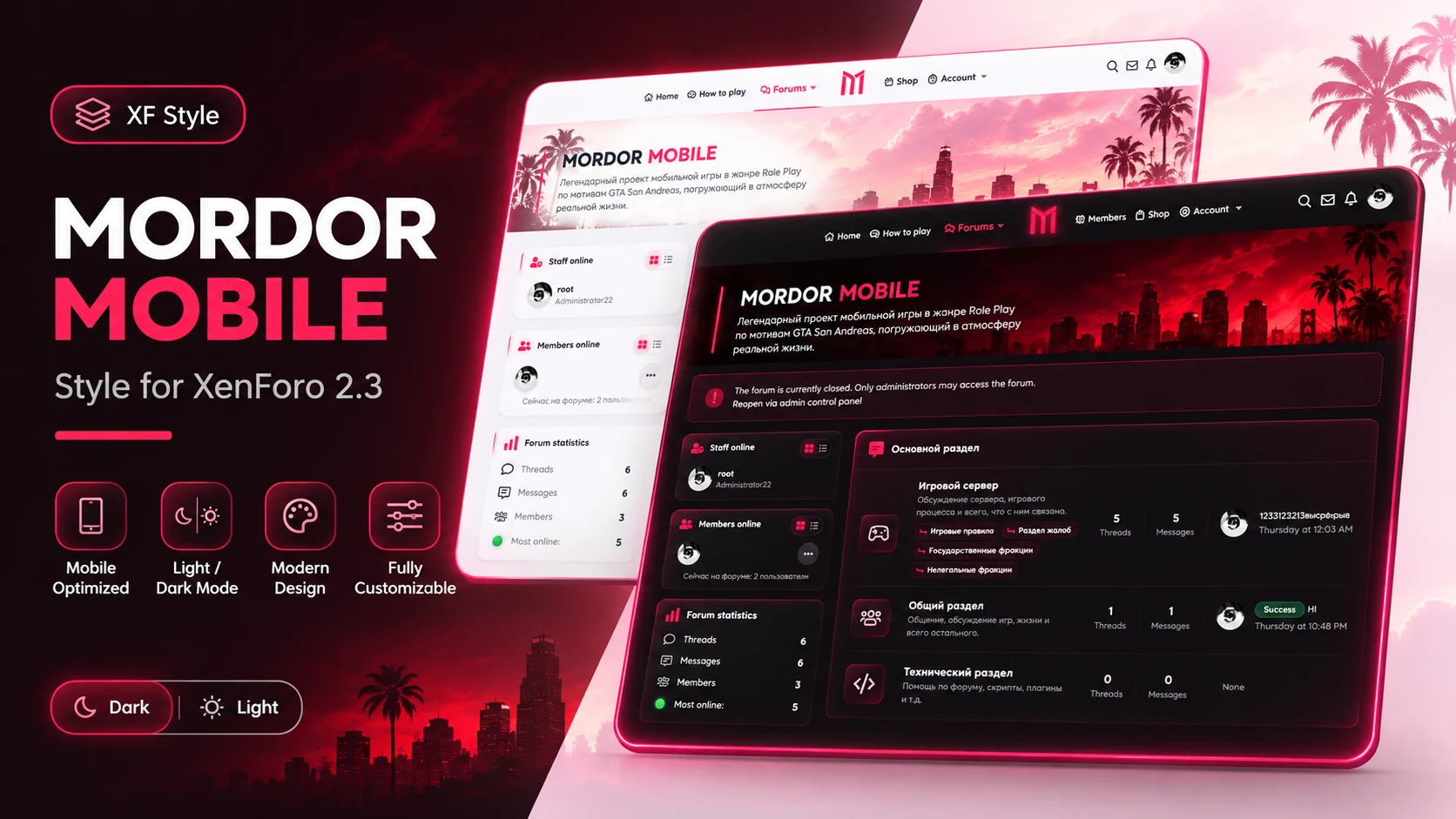
We are excited to introduce the first stable release of Mordor Mobile, a modern gaming-inspired style for XenForo 2.3.
Light & Dark Modes — Two distinct visual themes with bright and dark color palettes.
Custom Navigation — Redesigned navigation with a modern layout and distinctive styling.
Gaming-Inspired Design — Red accents, atmospheric backgrounds, and a unique visual identity.
Forum Layout — Custom styling for forum categories, nodes, and discussion lists.
Sidebar Widgets — Styled member activity, forum statistics, and recent events sections.
User Interface — Customized buttons, icons, cards, and interactive elements.
Responsive Design — Layout designed to adapt to different screen sizes.
XenForo 2.3
This is the initial public release of Mordor Mobile, introducing its core visual design and Light/Dark appearance options.
XF 2.3 · PHP 7.2+
XenForo 2.3.x
A working XenForo installation
Administrator access to the XenForo Admin Control Panel
Download the Mordor Mobile style package.
Open your XenForo Admin Control Panel.
Navigate to Appearance → Styles.
Import the provided style XML file.
Upload any included style assets to the appropriate directories, following the package instructions.
Configure the style and select it as the default if desired.
Note: Follow the installation instructions included with the release package. Installation steps may vary depending on the package structure.
4,894.9 KB · SHA-256 540d4c2e73613bef1afaf78c210499e3d3a5d1852975f6dbf9f17ee677d30ce3
No reviews yet. Reviews are available to verified recipients only.
Log in to review or save this product